
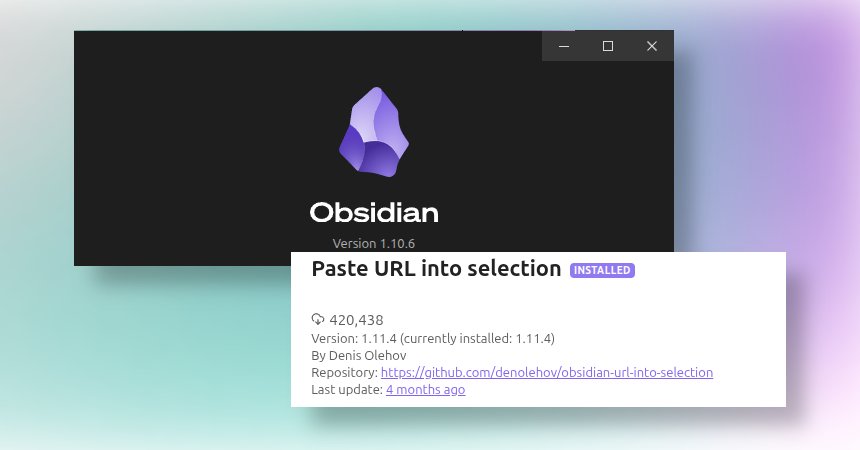
If you like the “Notion-style” workflow where you type some text, select it, then paste a URL and it instantly becomes a link, this Obsidian plugin does exactly that. Select any text, hit Ctrl/Cmd + V, and your clipboard URL gets applied to that selection as a proper link.
Since version 1.11.4, a plugin is not needed anymore. This is default behavior now.
Why I use this
- Faster linking while writing notes (no fiddling with markdown syntax mid-flow).
- Perfect when you’re collecting sources and want to keep momentum.
- Feels like a tiny UX upgrade, but you notice it all day.
How it works
- Type the text you want to link
- Select that text
- Paste a URL (
Ctrl/Cmd + V) - Done: the selected text becomes the link
Bonus: it works the other way around too
There is also a command you can bind to a hotkey that helps insert text into a selected link/URL (you can set the hotkey yourself).
Install
In Obsidian, go to Settings ->Community plugins ->Browse -> search for “Paste URL into selection” and install/enable it.

Leave a Reply